
Back in the ’90s (where dinosaurs and Blockbuster video stores roamed the earth); our family had two 486 computers. One of our core memories was to shift the two computers to the dining room tables with their hefty CRT monitors and all their associated non wireless paraphernalia to go with them.
Then with a very expensive null modem cable we hooked up to the two computers; my siblings and I use to play co-operative Doom 2 or Hexen together.
Now day we have moved on from the Null modem cables and chunky CRTs; but the memory of playing those Doom engine shooters still live on.
For my birthday one year – I wanted to live in nostalgia world. So, enlisting my wife and kid; we went ahead and tried to connect two Linux laptops and a Windows 11 laptop together to play Hexen.
This is just a notation of the commands that I use so I can quickly set up a game in the future.
Setting up the server
I use zandronum for multiplayer as I found the native GZDoom/UDoom too unstable when playing co-op games.
All my iwads and other wads are stored under
~/Documents/Games/DoomWads/
I also have the mod Hexen Rebalanced to reduce the slog to get through the Centaurs and Slaughtaur.
This is the command that I use to start up the server on my beefier laptop
/usr/bin/zandronum-server -iwad '~/Documents/Games/DoomWads/HEXEN.WAD' -port 10666 +sv_maxlives 0 -host +logfile '~/Documents/Games/DoomWads/Zandronum' +alwaysapplydmflags 1 -skill 4 +cooperative 1 +sv_maprotation 0 +sv_randommaprotation 0 +sv_motd '' +sv_hostemail '' +sv_hostname 'JD Server' +sv_website '' +sv_password '' +sv_forcepassword 0 +sv_joinpassword '' +sv_forcejoinpassword 0 +sv_rconpassword '' +sv_broadcast 1 +sv_updatemaster 1 +sv_maxclients 8 +sv_maxplayers 8 +dmflags 4 +dmflags2 0 +zadmflags 131072 +compatflags 0 +compatflags2 0 +zacompatflags 0 +lmsallowedweapons 0 +lmsspectatorsettings 0 +sv_afk2spec 0 +sv_coop_damagefactor 1 +sv_defaultdmflags 0 +sv_allowprivatechat 1 +sv_country automatic +sv_cheats 1 -file ~/Documents/Games/DoomWads/Hexen_Rebalanced_7/Hexen_Rebalanced.pk3
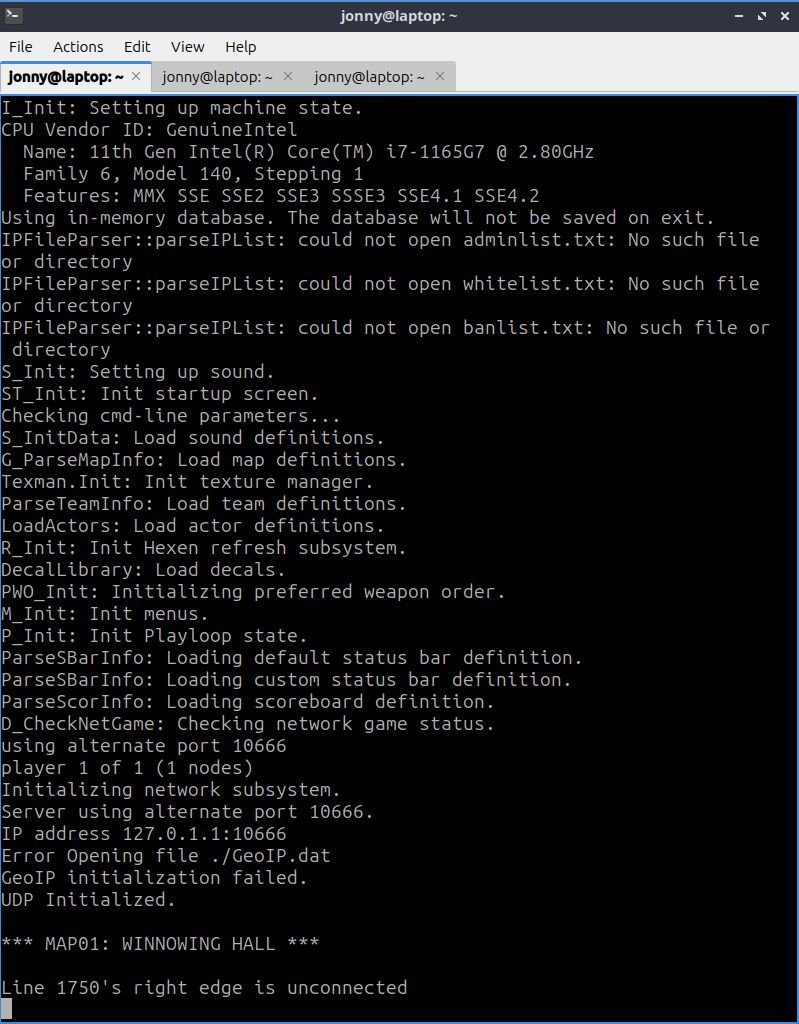
Key options:
- Team damage is turned off (otherwise my wife and kid will keep “accidentally” shooting me in the back)
- Weapons stay. This prevents a player picking up another person’s class weapon
- Cheats on. This allows my kid to have “God Mode” while learning the game
- Keep items. Handy if you die and you don’t lose your quest items
Once started – we need the ip address of the server. I use ifconfig in another terminal window to find out the ip address for the clients to connect to.
Connecting the Linux clients
The two Linux machines can be started with the command:
zandronum -iwad '~/Documents/Games/DoomWads/HEXEN.WAD' -file ~/Documents/Games/DoomWads/Hexen_Rebalanced_7/Hexen_Rebalanced.pk3
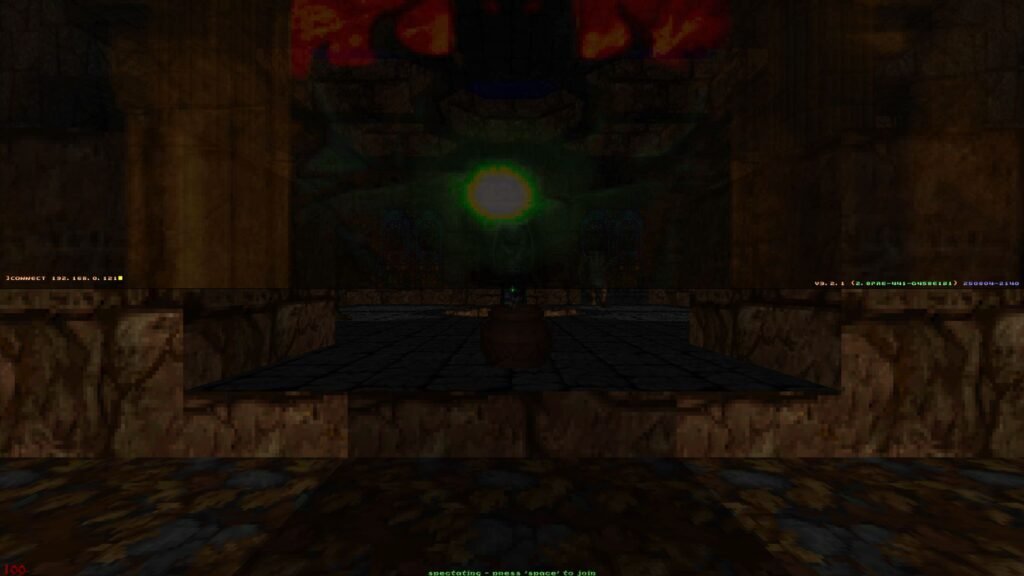
Once the game start up; bring up the Zandronum console with the “~” and connect to the server with the command:
connect [server-ip-address]
Connecting the Windows clients
The Windows machine can connect using a similar command
%userprofile%\AppData\Local\Zandronum\zandronum.exe -iwad "\\path\to\iwad\HEXEN.WAD" -file "\\path\to\wads\Hexen_Rebalanced.pk3"
Once again when the game starts up; bring up the Zandronum console with the “~” and connect to the server with the command:
connect [server-ip-address]
Have fun.